

Stepping into the world of Web3 can feel overwhelming, but a reliable wallet is your essential key. Coinbase Wallet is a powerful, self-custody wallet that unlocks more than just crypto storage—it’s your gateway to the entire decentralized internet.
This guide will walk you through setting up and using Coinbase Wallet, empowering you to take full control of your digital assets.
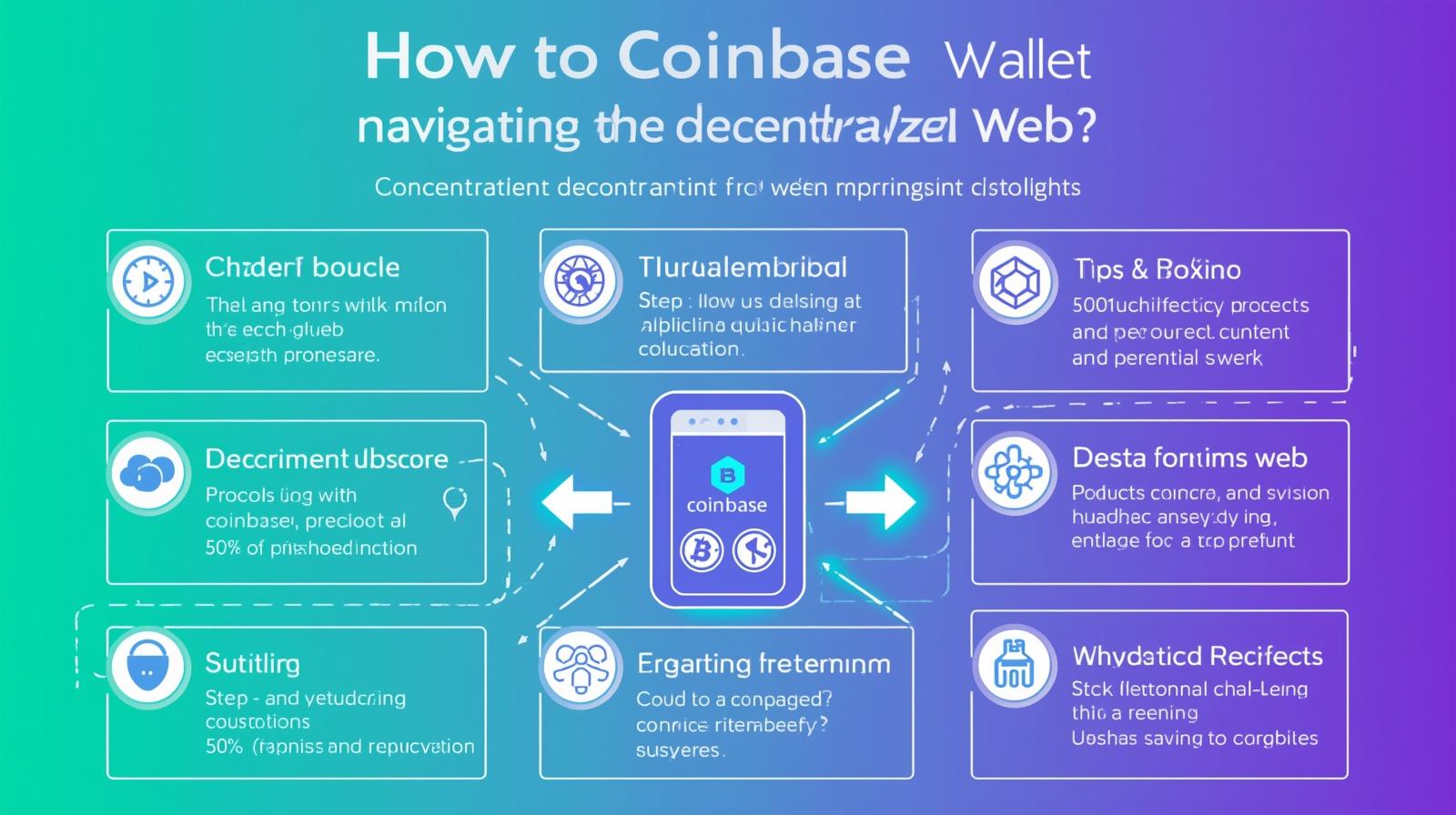
What is Coinbase Wallet? Understanding Self-Custody
First, it’s crucial to understand that Coinbase Wallet is separate from your main Coinbase exchange account. While they can work together, the Wallet operates on a fundamentally different principle: self-custody.
On Coinbase.com The exchange holds your crypto for you (custodial).
In Coinbase Wallet You hold your crypto. The wallet gives you sole control and responsibility over your private keys—the master password to your assets. No third party can freeze or access your funds.
1: Download and Set Up Your Wallet
- Download the App Get the official “Coinbase Wallet” app from the iOS App Store or Google Play Store. It’s a distinct app with a blue icon.
2. Create a New Wallet Open the app and select “Create a new wallet.”
3. Secure Your Recovery Phrase This is the most critical step. The app will generate a 12-word secret recovery phrase Write these words down on paper and store them in multiple secure physical locations.
Never share this phrase with anyone.
Never store it digitally (no screenshots, emails, or cloud notes).
This phrase is the only way to recover your wallet if you lose your phone. Coinbase cannot recover it for you.
2: Funding Your Wallet
You need cryptocurrency in your wallet to start interacting with dApps. Here are the primary ways to fund it:
Transfer from Coinbase (Easiest Method)
1. Open your main Coinbase app.
2. Select the asset (e.g., Ethereum, USDC) and click “Send.”
3. Enter your Coinbase Wallet address (you can find it by tapping “Receive” in the Wallet app) and confirm the transaction.
Buy Crypto Directly Use the “Buy” button within the Coinbase Wallet app to purchase crypto with a debit card or bank transfer (availability may vary by region).
Receive from Another Wallet You can receive crypto from anyone by sharing your public wallet address.
3: Exploring Key Features
Once funded, you can start exploring what the wallet enables:
- Store Thousands of Assets It supports Bitcoin, Ethereum, Polygon assets, and all major ERC-20 tokens.
2. Swap Tokens: Use the built-in “Swap” feature to trade one cryptocurrency for another directly within the app. You’ll see the network fee (gas) before confirming.
3. Explore dApps (The Best Part) Tap the “Browser” or “Discover” tab. Here, you can connect your wallet to thousands of decentralized applications:
DeFi Platforms Lend, borrow, or earn yield on platforms like Uniswap or Compound.
NFT Marketplaces Browse and buy digital art on platforms like OpenSea.
Play-to-Earn Games Connect your wallet to blockchain-based games.
4. Manage Your NFTs Any NFTs you own will automatically appear in the “NFTs” tab of your wallet, acting as your personal gallery.
Essential Security Best Practices
With great power comes great responsibility. Adopt these habits from day one:
Guard Your Recovery Phrase This cannot be overstated. It is the keys to your kingdom.
Verify Every Transaction When connecting to a dApp, carefully review the permissions it requests. Be wary of any site asking for unlimited spending access to your funds.
Research dApps Only interact with well-known, reputable decentralized applications.
Use a Hardware Wallet For significant holdings, connect your Coinbase Wallet to a hardware wallet like Ledger for an extra layer of “cold storage” security.
Conclusion: Your Portal to Web3
Coinbase Wallet is more than a digital piggy bank; it’s a passport to a new, user-owned internet. By following this guide, you’ve taken the first step toward securely managing your own assets, collecting NFTs, and participating in the decentralized economy.
Welcome to the world of self-custody. The journey is just beginning.
Disclaimer This guide is for educational purposes only. Interacting with smart contracts and dApps carries risk, including the potential for total loss of funds. You are solely responsible for securing your recovery phrase and for the transactions you approve.