

Staking Ethereum is a popular way to earn rewards on your crypto holdings. However, there may come a time when you need to access your funds. Unstaking ETH on Coinbase is a straightforward process, but it involves a specific waiting period. This guide will walk you through each step and explain exactly what to expect.
Important: Understanding the Unstaking Process
Before you begin, it’s crucial to know that unstaking ETH is not instant. Due to the nature of the Ethereum network, once you initiate the unstaking process, your funds will go through a standard unlocking period. This period can vary but typically takes a few days to complete. During this time, you will not earn staking rewards.
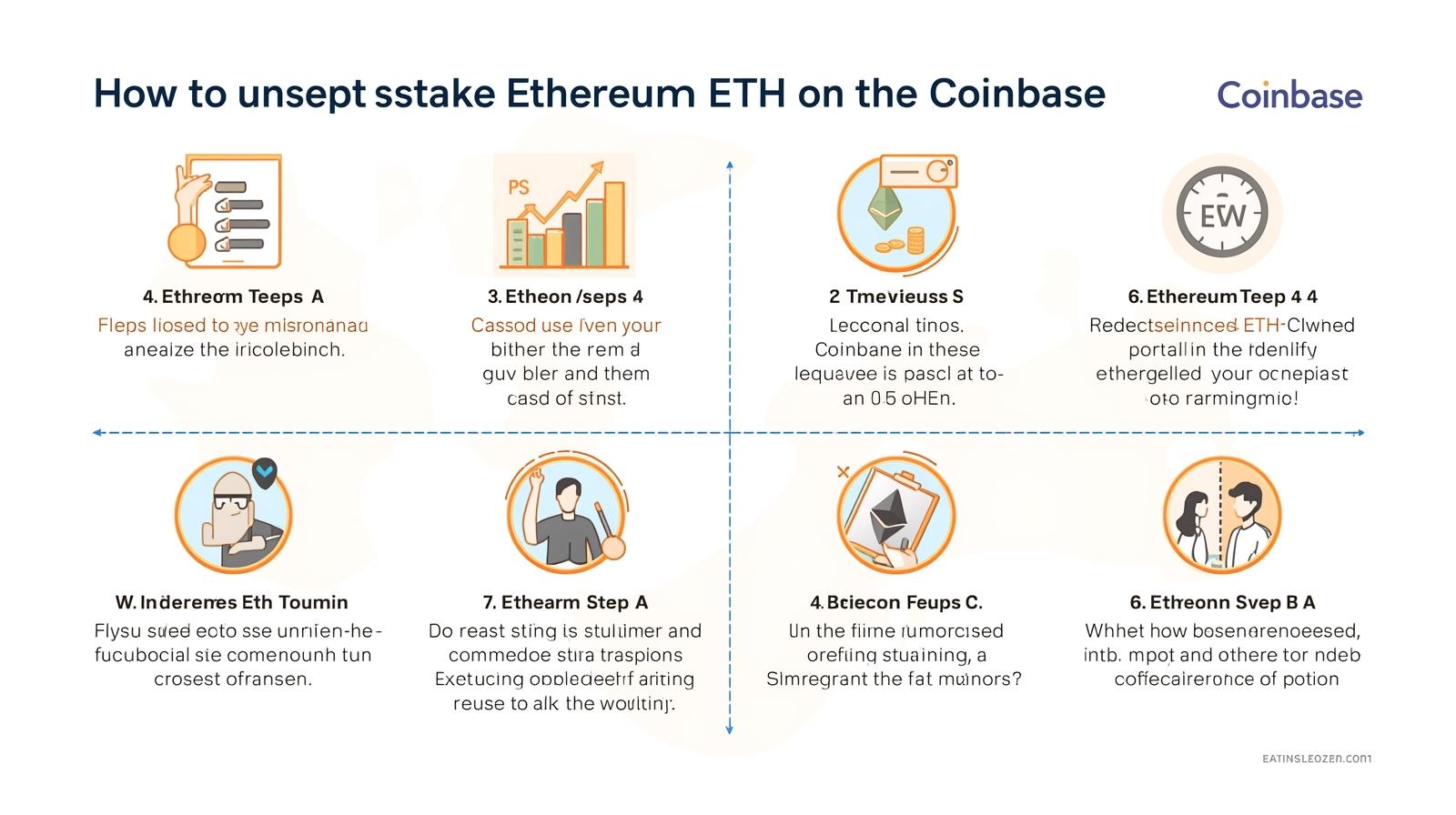
Step-by-Step Guide to Unstaking ETH on Coinbase
Follow these simple steps to convert your staked ETH (cbETH or stETH) back into liquid ETH.
1: Access Your Coinbase Account
Log in to your Coinbase account, either through the mobile app or the website. The process is nearly identical on both platforms.
2: Navigate to Your Assets
On the mobile app, tap the “Assets” tab. On the website, look for the “Assets” section in the left-hand menu.
3: Locate Your Staked ETH
Find and select the staked Ethereum asset in your list. This will typically be listed as Coinbase Staked ETH (cbETH)
4: Initiate the Unstaking Process
On the asset page, you will see an option to “Unstake” or “Convert.” Tap or click on this button.
5: Enter the Amount
A new window will appear prompting you to enter the amount of staked ETH you wish to unstake. You can choose to unstake a portion or your entire balance. Review the details, including any network fees.
6: Confirm the Transaction
Carefully review the summary of your transaction. Once you are sure, confirm the action to submit your unstaking request.
What Happens After You Unstake?
Confirmation: ou will receive an on-screen confirmation and an email confirming your request.
Unlocking Period Begins Your ETH will enter the standard unlocking period. The status may show as “Pending” or “Unstaking” in your portfolio.
Completion Once the unlocking period is over, the liquid ETH will automatically appear in your main Coinbase account balance. You are then free to trade, sell, or withdraw it.
Frequently Asked Questions (FAQ)
How long does it take to unstake ETH on Coinbase?
A: The standard unlocking period is typically a few days. The exact time is based on the Ethereum network’s protocol and not controlled by Coinbase.
Will I earn rewards during the unstaking process?
A: No, staking rewards stop accruing as soon as you initiate the unstaking process.
Is there a fee to unstake?
A: Coinbase does not charge a separate fee for unstaking, but standard network (gas) fees will apply for the transaction on the Ethereum blockchain.
Conclusion
Unstaking your ETH on Coinbase is a simple and secure process. By following these steps, you can smoothly transition your staked assets back into liquid Ethereum. Just remember to plan ahead for the standard unlocking period before your funds become available.
Disclaimer This guide is for educational purposes only. The unstaking process and times are subject to change based on ne
twork conditions and Coinbase product updates. Always refer to the official Coinbase help center for the most current information.